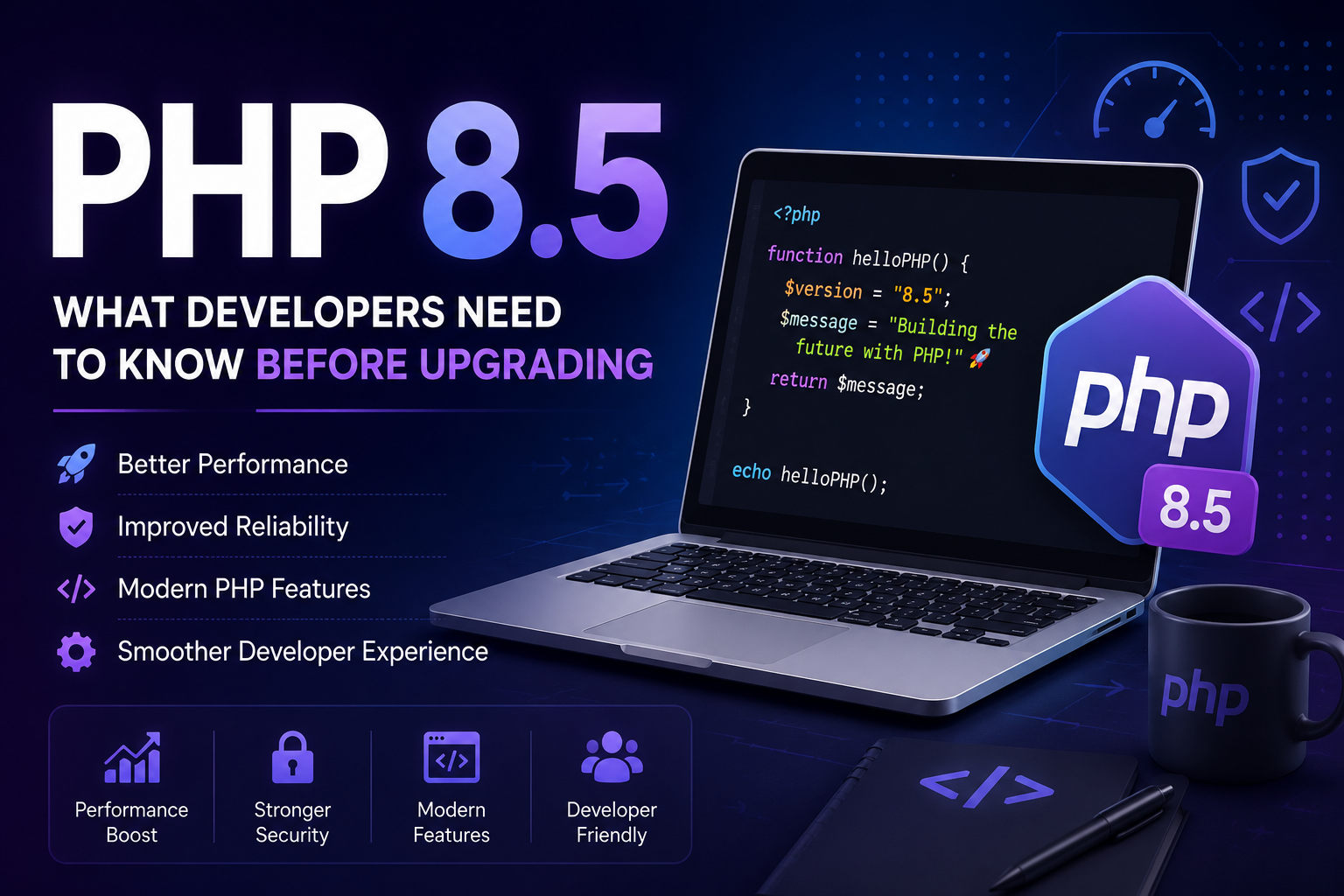
🚀 PHP 8.5: What Developers Need to Know Before Upgrading
PHP continues to evolve into a modern, powerful platform for building web applications, APIs, and backend systems. With PHP 8.5, developers get another step forward in language improvements, reliability, and developer experience. ✨
But before upgrading an existing application, there are several important things to consider.
🎯 Why Upgrade to PHP 8.5?
Using a current PHP release can provide developers with access to modern language improvements, ongoing security support, better tooling, and a cleaner development experience.
For Laravel developers in particular, keeping PHP and framework versions reasonably up to date can make long-term maintenance much easier. 🔧
⚡ Check Laravel Compatibility
If you're working with Laravel, don't upgrade PHP blindly.
First, check whether your Laravel version officially supports PHP 8.5. You should also check your Composer dependencies because third-party packages may have their own PHP version requirements.
Run:
composer check-platform-reqs
This can help identify platform requirements that aren't satisfied by your current environment.
📦 Check Composer Dependencies
Your application may depend on dozens of Composer packages.
Before upgrading, review your composer.json and composer.lock files and verify that your important packages support PHP 8.5.
A useful approach is to test dependency changes before applying them:
composer update --dry-run
Testing in a development or staging environment first is always safer than upgrading directly on production. 🛡️
🧩 Check PHP Extensions
Your application may require extensions such as:
mbstringopensslpdopdo_mysqlcurlfileinfointlzip
You can see which PHP configuration file is being used with:
php --ini
And check installed extensions with:
php -m
Missing extensions can cause unexpected application or Composer errors after an upgrade.
💻 Using Multiple PHP Versions on Windows
Windows developers often have multiple PHP installations—for example, one bundled with WAMP and another standalone PHP installation.
To see which PHP executable is being used, run:
where.exe php
Then verify the active version:
php -v
If multiple PHP installations are listed, remember that Windows uses the PHP executable found first in your PATH.
This small detail can prevent a lot of confusion when switching between PHP projects. 🔍
🧪 Test Your Application
Installing PHP 8.5 successfully doesn't necessarily mean your application is ready.
After upgrading, test the features your application depends on:
- 🔐 Authentication
- 🗄️ Database operations
- 📤 File uploads
- 📧 Email delivery
- ⚙️ Queues and background jobs
- ⏰ Scheduled tasks
- 🔌 API integrations
- 💳 Payment integrations
- 💾 Caching
- 👥 User management
Automated tests can make this process significantly easier.
⚠️ Look for Deprecated Features
PHP regularly deprecates older functionality as the language evolves.
If your application has been around for several years, older code may produce warnings or require updates when running on a newer PHP version.
Don't ignore deprecation warnings. They can be useful signals that your codebase needs modernization.
🌱 Starting a New Project?
If you're starting a new project, using a modern and supported PHP version can give your application a better foundation for the future.
A typical modern PHP application might include:
PHP
 ↓
Laravel
 ↓
MySQL / PostgreSQL
 ↓
Redis
 ↓
Nginx / Apache
The exact architecture depends on your project's requirements, but keeping the core stack current can simplify future maintenance. 🚀
🤔 Should You Upgrade Immediately?
Not every existing application needs to move to the newest PHP version immediately.
For a new project, upgrading may be straightforward if your framework and dependencies support the version.
For an existing production application, take a more controlled approach:
- 🧪 Create a development or staging environment.
- 🔍 Check framework compatibility.
- 📦 Check Composer dependencies.
- 🧩 Verify PHP extensions.
- 🧪 Run automated tests.
- 🔎 Check application logs.
- 🚀 Deploy to staging.
- 📊 Monitor the application before moving to production.
✅ Final Thoughts
PHP 8.5 represents another step in the continued evolution of modern PHP development.
The most important part of upgrading isn't simply installing a new PHP version. It's making sure your entire application ecosystem—including Laravel, Composer packages, extensions, database drivers, and application code—is ready.
Test first. Upgrade carefully. Keep your dependencies healthy. 🚀
A well-planned PHP upgrade can give your application a more modern foundation without turning the deployment into a production emergency. 💻✨
forum Discussion & Comments 0
rate_review Leave a Comment